TL;DR First 30 Days
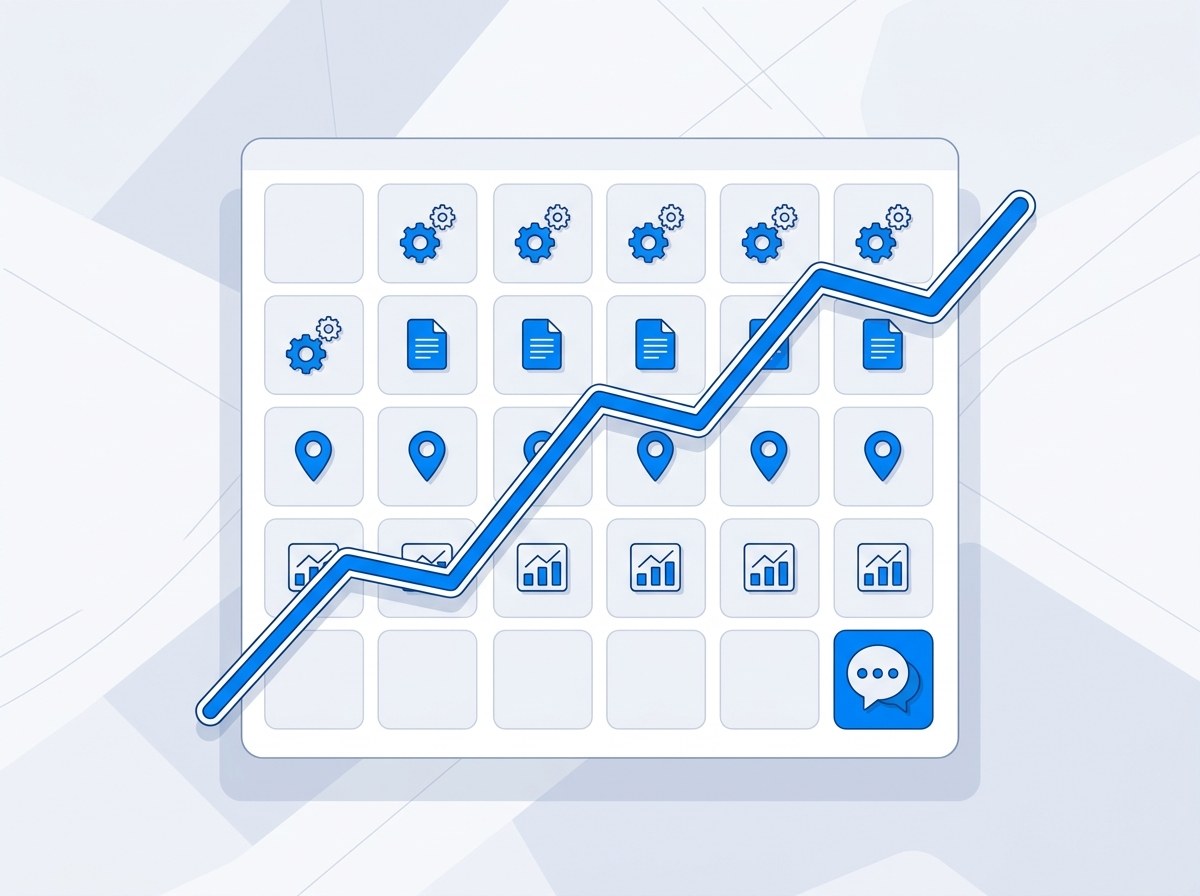
- Week one: you hand over three logins. Lead tracking goes in before anything else.
- Weeks one and two: the listings AI tools read from get completed and matched, and schema goes on your site.
- Weeks two to four: the first pages go up, answering what buyers ask before they call.
- Every week: a report of what was done, with the enquiries that came in and where each one said it found you.
- Your part: mostly week one, then a read of each page before it goes live.
Plenty of owners who've paid a marketing agency still can't say whether it worked. That's not their fault. Nobody set up a way to tell. So the first month at Pleiades Consultancy is built around one idea: you should be able to check every part of it yourself, starting in week one. If you want to know who's doing the work, that's me.
Week One: What You Hand Over
Three logins. That's the handover.
- Google Search Console. It shows which searches already find you. It also lets me bring your site into Bing Webmaster Tools in one step, so Microsoft's search engine sees your pages too.
- Manager access on your Google Business Profile. I fix categories and services directly instead of emailing you a list of changes.
- A login for your website, or your developer's contact details. This is for schema and new pages.
I don't start until all three are in, because each one holds up something else further down the line.
Then there's the kickoff call. I ask ChatGPT, Perplexity and Google AI Overviews the questions your buyers ask, live, and we write down where you appear. That's your baseline. Don't worry if it's zero. Across the 60+ businesses I've audited, over 90% didn't show up in AI answers at all.
Week One: Tracking Goes In Before the Work Does
Before I touch a single listing, this gets set up:
- A tagged link on your Google Business Profile, so visits from the profile show up on their own in your analytics.
- "How did you hear about us?" on your enquiry forms, with ChatGPT or another AI tool as one of the answers.
- The same question for whoever answers your phone.
- A shared lead log you can open any time, with the date, the service and how each person found you.
The lead log matters more than anything else in the month, because it's a record you can check without me. It isn't perfect. Some people won't remember where they heard about you, and some visits from AI tools arrive looking like ordinary direct traffic. It still tells you more than a rankings chart ever will.
Some businesses get an AI enquiry early. Mr Fresh Carpet Care had its first ChatGPT lead inside 30 days. Revive Cleaning Crew's owner heard it straight from a customer, who wrote: "I used ChatGPT to help me find a company in San Antonio and you were the top recommendation." That job was booked on the call, about three weeks in. More results are on the case studies page.
Weeks One and Two: The Listings AI Tools Read
ChatGPT leans on listing data when it recommends a business, and more than 70% of its local results come from Foursquare. So the early weeks go on making your listings complete and identical:
- Foursquare
- Bing Places, plus Bing Webmaster Tools for your site
- Apple Business Connect, which covers Siri and Apple Maps
- Yelp
- The directories specific to your trade
Every one carries the same name, address, phone number and hours as your Google profile. Mismatched details are one of the gaps I find most often.
On the Google profile itself, the primary category gets checked first, because no other setting on the profile carries as much weight. Then services, service areas and the Q&A section. You also get review request templates that ask customers to name the service they bought. A review that says what the job was is one an AI tool can quote. There's more on that in the review strategy for AI search.
On your website, schema markup goes in. It's the code that tells search engines and AI tools what kind of business you are, using your exact business type rather than a generic one.
Weeks Two to Four: Pages That Answer What Buyers Ask
People ask AI tools what they'd ask you on the phone: what it costs, how long it takes, whether they could do it themselves and who they should hire.
The first pages answer those, in your words, with your real prices if you publish them. Each one gets linked from your service pages so search engines can see where it fits.
You read every page before it goes live. You know your business better than I do, and a page with a wrong detail on it does more harm than no page.
What You Can Check Yourself Every Week
You shouldn't need to take my word for any of this. Four checks, none of which need a login of mine:
- Ask ChatGPT the question your best customer would ask, word for word. Note whether you're named. Ask again next week.
- Look yourself up on Foursquare, Bing and Apple Maps. The details should match your Google profile exactly.
- Open the lead log. Each enquiry from your forms and phone is in it, with how that person said they found you.
- Open Search Console. The new pages show up under Pages, next to the searches that bring people in.
If any of that doesn't line up with your report, ask me about it. That's the reason it's set up this way.
What the Weekly Report Shows
From week one, the report starts with the question you actually care about: did the phone ring? It shows the AI-attributed enquiries alongside your Google profile calls and views against your starting point, plus new reviews and where you stand in AI answers.
Under that sits what was done that week and what comes next. Once a month you get a longer report covering your AI visibility, your Google profile and the pages that went live.
What Day 30 Tells You
By day 30 you know whether your listings are complete and matching, whether the first pages are live, and whether any enquiry so far said it came from an AI tool. You can check each of those yourself.
Day 30 isn't the finish line, though. Pages keep earning mentions after they go live, and the lead log keeps counting. How fast that builds depends on your trade and how many competitors AI already names, which is covered in how long AI search optimization takes. What it costs is in the AI search optimization cost guide.
Want to see your baseline first?
Free 30-minute call. I ask ChatGPT and Perplexity your buyers' questions live and show you where you stand today. No commitment.
Book a CallFrequently Asked Questions: First 30 Days
What happens in the first 30 days of AI search optimization?
Week one, you hand over access to Google Search Console, your Google Business Profile and your website, and lead tracking goes in before any other work: a tagged link on your Google profile, an AI option on your enquiry forms and a shared lead log. In the first two weeks your listings get completed and matched (Foursquare, Bing Places, Apple Business Connect, Yelp and your trade's own directories) and schema goes on your site. From week two the first pages go up, answering what buyers ask before they call: price, timing and how to choose. You get a weekly report from week one.
How much of my time does the first month take?
Most of it lands in week one: handing over three logins and a kickoff call where I show you where you stand in ChatGPT today. After that, your part is reading each new page before it goes live and reading the weekly report. Listings, schema and tracking setup don't need you.
Will I get leads in the first 30 days?
Some businesses do. Mr Fresh Carpet Care had its first ChatGPT lead inside 30 days, and Revive Cleaning Crew booked a job from a ChatGPT recommendation about three weeks in. Neither is a promise for your business. What you can count on is the lead log running from week one, so when an enquiry says it came from an AI tool, it's in the log that week.
What access do you need from me?
Three things: Google Search Console, manager access on your Google Business Profile, and a login for your website or your developer's contact details. Search Console shows which searches already find you and lets me bring your site into Bing Webmaster Tools in one step. Profile access lets me fix categories and services directly. Website access is for schema and new pages.
How do I know the work is actually being done?
Check it without me. Ask ChatGPT the question your best customer would ask and see whether you're named. Look yourself up on Foursquare, Bing and Apple Maps and compare the details with your Google profile. Open the lead log. Open Search Console and look for the new pages. If any of it doesn't match the report, ask.
What if someone else manages my website?
Then your developer gets the schema code and each page ready to paste, and the listings work carries on in the meantime. Listings don't touch your website at all, so a slow developer doesn't hold up the first month.
See your day-one baseline before you sign anything
A 30-minute call. I run your buyers' questions through the AI tools live and show you where you stand, and what the first month would cover for your business.
Book the Free Audit →
About the author
Matthew Johnson is the founder of Pleiades Consultancy. He previously scaled his own marketing agency to multiple six figures before serving as CMO of an Amazon agency, where the client base tripled from 15 to 45 active clients during his tenure. He worked with some of the largest names in e-commerce, including Ridge Wallet, HexClad, BK Beauty, The Woobles, Walkize, Lonely Planet, and Obvi. He now works with local businesses to maximize their client acquisition and visibility through AI search with ChatGPT, Claude, Gemini, Perplexity, and Bing Copilot.